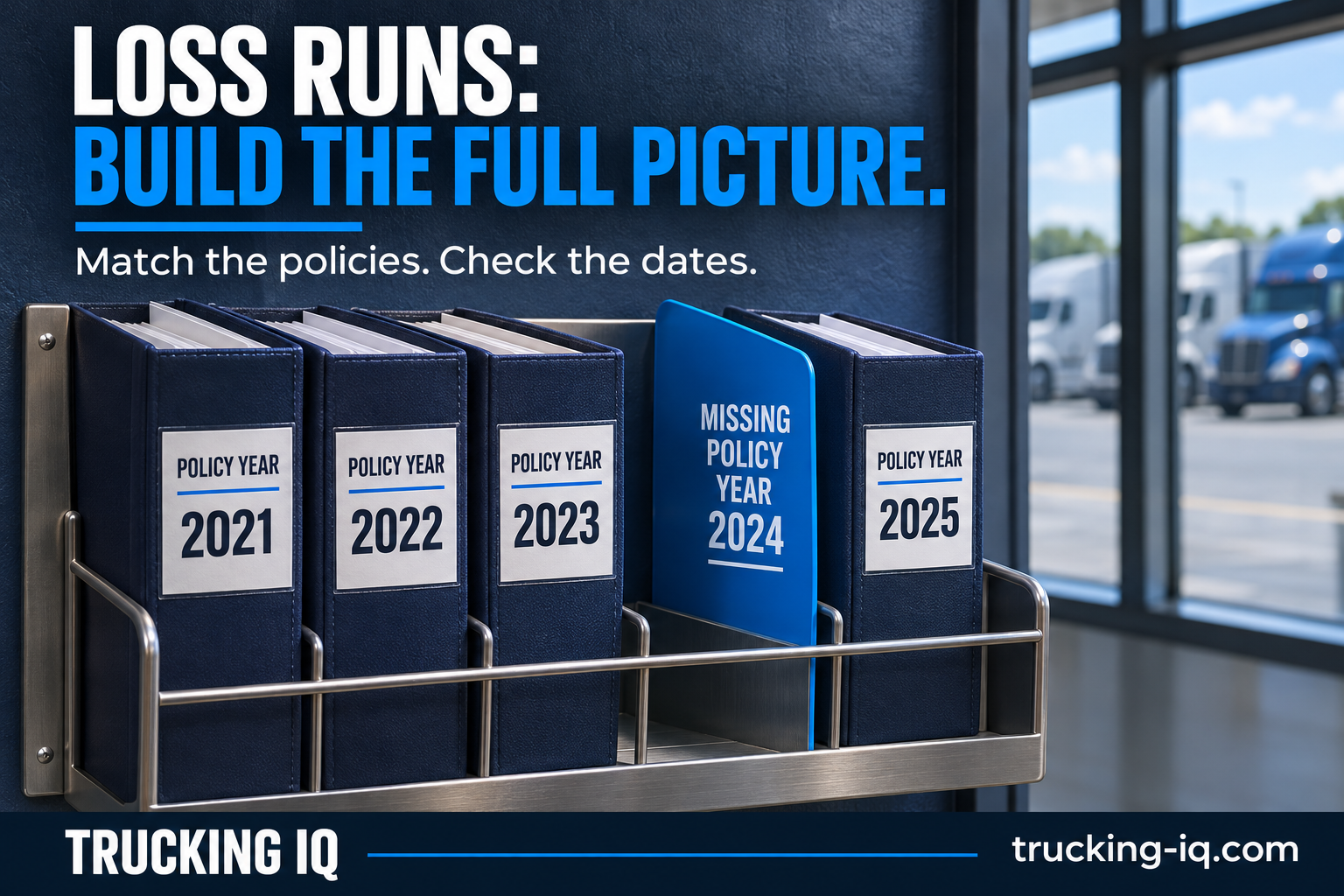
A fleet changes insurance companies, adds trucks and moves into a different type of hauling. A few years later, renewal shopping begins—and the loss-run file contains one recent report, an older attachment and a gap nobody noticed. Before an underwriter can review the account efficiently, someone has to reconstruct what belongs in the submission.
Trucking insurance loss runs deserve their own place in your renewal preparation. An organized history helps your agent explain the account accurately and identify missing information early. Here is a practical way to assemble that history without repeatedly searching old emails.
Start with the policy history, not the attachments
A loss run is an insurer’s record of claims associated with a policy. It can include claim dates, descriptions, amounts and open or closed status. A reserve is an estimate associated with a claim; it is not necessarily the final settlement amount. The Hartford explains the basic contents of insurance loss runs.
Before requesting reports, ask your agent which coverage lines, policy periods and report dates the markets being approached require. There is no single document checklist that fits every trucking submission. Keep requirements tied to the actual market and account rather than assuming that every insurer wants exactly the same number of years.
Next, build a simple policy timeline. Use policy documents to identify the named insured, coverage line, insurer, policy number, effective date and expiration date. Include a separate row when a policy was replaced midterm. If a detail is uncertain, mark it for confirmation instead of filling it in from memory.
For each row, track the report requested, request date, person handling the request, date received and remaining question. This becomes a working checklist for you and your agent. It also makes it easier to distinguish an unanswered request from a report that arrived but covers the wrong period.
Check the request route before sending it
Begin with the current or former agent and the insurer’s published instructions. Confirm who may request the report, what identifying information is needed and how it will be delivered. For example, Progressive Fleet & Specialty’s contact page directs loss-run requests to the agent. That instruction is specific to that business; do not assume it applies to every Progressive product or another insurer.
If you are changing agents, ask whether the insured needs to make the request directly or provide an authorization. Keep one person responsible for following up, and record the route used. Sending the same request to several unverified addresses can create more confusion about which response is still outstanding.
A short request can be more useful than a long explanation. Adapt this example to the insurer’s instructions:
Please provide current loss runs for [named insured], policy [policy number], for the period [effective date through expiration date]. Please confirm the report’s valuation date and let me know if you require an authorization or a different request process. The requested coverage line is [coverage]. Thank you.
Send policy identifiers through the appropriate private channel. If the insurer uses a portal or a specific form, follow that process rather than assuming the sample email will be sufficient.
Review what arrived before calling the file complete
Receiving an attachment is only the first check. Compare each report with the policy timeline and the market’s requirements. A folder can contain several PDFs and still leave an entire policy period unresolved.
- Identity: Does the named insured and policy number match the requested account?
- Period: Does the report address the intended policy dates and coverage line?
- Currency: Is the report’s valuation or “as of” date shown, and does it meet the market’s requested freshness?
- Completeness: Are all pages present, legible and in the correct order?
- Questions: Are there unfamiliar claims, apparent inconsistencies or open items that need clarification?
Keep the original report unchanged. Put questions in a separate note for the agent or insurer instead of editing the source document. If you believe a claim is closed but the report still shows it open, request clarification or an updated report from the appropriate source. Do not relabel the claim yourself.
An empty inbox does not establish a claim-free period. If a period has no reported losses, ask what documentation the receiving market accepts to establish that history. Likewise, a missing report should remain identified as missing until it is resolved.
A carrier change can hide a gap
Consider a hypothetical fleet that used Insurer A from January through June, then moved to Insurer B in July. A report from B may be available quickly, while A’s report requires a separate request. Filing B’s report under that calendar year does not finish the job of assembling both policy periods.
The same issue can arise when different coverage lines are placed with different insurers. Start with the policy timeline and confirm the requested history for each relevant line. Ask your agent how the submission should present changes in entity name or operations, rather than assuming that one familiar company name connects every document.
This is why a checklist based only on filenames such as “2024 loss runs” is easy to misread. Policy periods and insurer names give the file more useful structure than a calendar year alone.
Make the next request easier
Use one shared account folder with a consistent naming convention. A useful pattern is coverage, insurer, policy period and report date. Keep the newest report easy to identify while retaining earlier versions separately when they are needed for reference. Avoid creating competing “final” folders in multiple inboxes.
Alongside the reports, maintain a brief list of outstanding items with an owner and a follow-up date. “Waiting on prior auto insurer, request sent Tuesday, owner to follow up Friday” is more actionable than “need loss runs.” Update that list when a report arrives so your agent does not keep chasing a completed request.
If the fleet has changed materially, prepare a separate factual summary of those changes: equipment count, operations, safety procedures or other details your agent requests. Keep that operational context distinct from the insurer’s claim record. Your explanation should help someone understand the history without changing what the report says.
Use the file to support a better renewal conversation
Complete records do not guarantee a quote, lower premium or acceptance by a particular market. They do give you and your agent a more orderly starting point for identifying gaps and discussing the account. Our guide to what underwriters evaluate at trucking insurance renewal explains the broader review; this checklist focuses on getting the loss-history portion ready.
If you are preparing to shop your fleet’s insurance, start a conversation with Trucking IQ. Tell us your target effective date and what records you already have. We can help identify what is still needed for the markets being considered, so the next step is a specific request rather than another round of searching.
← Back to Resources